QR code photo sharing, without the chaos.
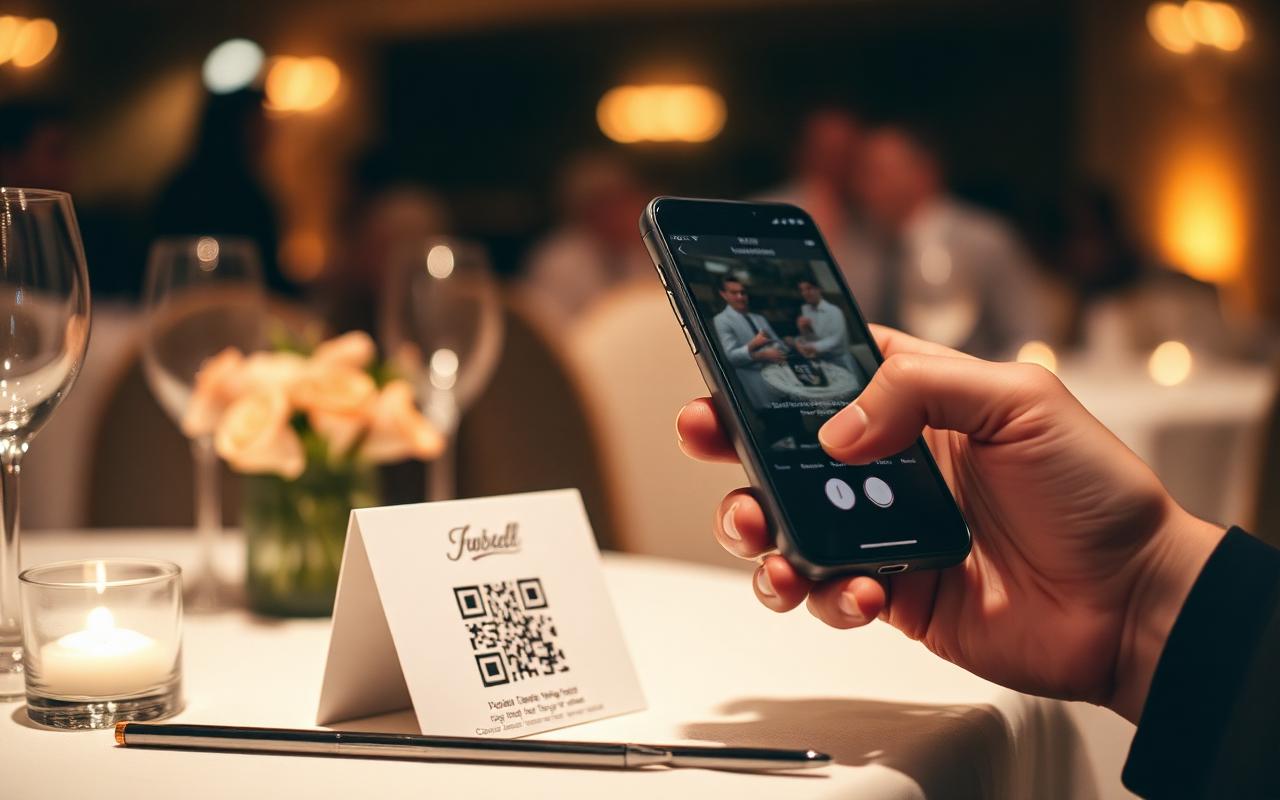
Print one QR code at any event. Every guest scans, shoots, and shares into the same album — no app downloads, no Dropbox links, no group chat archaeology.
Studio Launch Party
Sep 12, 2025
Why QR-code sharing works
One scan, infinite photos.
Group chats lose photos. Shared Dropbox folders need accounts. AirDrop only works with iPhones. A QR code works on every modern phone, in every modern browser, with zero setup — and it's the universal solvent for collecting photos from a crowd.
Print it anywhere
Stick the QR on a sign, a card, a coaster, a sticker. Wherever it goes, photos start flowing.
Camera opens instantly
No app store, no download prompt, no account creation. Scan, shoot, done.
Photos hidden until reveal
Unlike a shared Dropbox or Google Drive folder, photos stay private until the host triggers the reveal.
Built for events, not file sharing
Real disposable rules — limited shots, no edits, no uploads. The constraints make the album feel like a moment, not a dump.
Album becomes the keepsake
The shared album is the deliverable. Print it, share it, save it for years.
Watermarked when reshared
Every photo carries the disposable.photo watermark when shared, so the source is always credited.
Studio Launch Party
Sep 12, 2025
Setup
Print one code. Collect every photo.
Pick a tier, set the reveal time, download the QR PNG. Print it on whatever signage you want. The album fills itself.
- Free tier for 5 guests — perfect for testing
- Standard $14.99 — up to 50 guests
- Premium $34.99 — up to 150 guests
- Pro $69.99 — up to 200 guests
QR Sharing FAQ
Common questions
How is this different from a shared Google Photos album?
Google Photos requires a Google account. The album syncs in real time so there are no surprises. And nothing stops anyone from uploading old camera-roll photos. We block all of that.
Does the QR code expire?
The QR works for the lifetime of the album — 7 days on Free, 30+ days on paid tiers.
Can I generate multiple QR codes for the same album?
One QR per album, but you can print and place it as many times as you want.
Will it work with iPhone and Android?
Yes. Any modern smartphone with a camera can scan the QR — no app to download.
Other ways people use it
One QR code, one shared album.
Free to start. Print, scan, shoot.
Create a shared roll